
Pittsburg County VINELink Release Coverage
OK VINE, short for Victim Information and Notification Everyday, is Oklahoma's free and confidential custody-information service. The Attorney General describes access as available around the clock. It accepts person searches and registrations for reported changes such as release, transfer, escape, apprehension, and death.
Coverage is based on data from participating Oklahoma county jails and ODOC. That distinction matters in McAlester. A PCSO record belongs to the Pittsburg County Jail, while an ODOC record may belong to Oklahoma State Penitentiary or Jackie Brannon Correctional Center. The same name does not make the records interchangeable.
OK VINE is not a BOP or ICE locator. A federal person must be checked through BOP, and an immigration case through ICE. Nor is VINE a permanent release archive or certified agency record. It reports the status or change supplied by the contributing custodian.
Search Pittsburg County VINELink Records
Start at the official Oklahoma portal or call 1-877-654-8463. A known identifier is the best match key. Names can repeat, and a person can move from PCSO to ODOC while both records change at different times.
- Open VINELink for Oklahoma and choose a person or offender search.
- Enter the name or known offender identifier. Avoid treating a broad name match as conclusive.
- Compare the available descriptors, identifier, reporting agency, and facility.
- Open the correct record and read the status exactly as the live service displays it.
- Note the source agency and update context, then confirm the event with that custodian.
If the county entry vanishes, search ODOC before describing a return to the community. A PCSO card marked as release to another agency may point to state custody. The Pittsburg County released inmate search path explains how county, court, ODOC, federal, and ICE records fit together.
Pittsburg VINELink Release Result Fields
The research confirmed the service's search and alert functions, but not a universal set of fields on every live result. Acceptance controls and live data can change. Do not promise that all records display a specific word such as Released, an exact date, a photo, destination, or permanent history.
| Item to inspect | How to use it |
|---|---|
| Person or offender identifier | Use it to separate common names and tie the alert to the correct record. |
| Contributing agency | Distinguish PCSO jail data from ODOC prison data. |
| Facility or location context | Identify which custodian is reporting when the interface provides it. |
| Custody status or change | Read the live wording exactly and treat it as agency-supplied information. |
| Update context | Judge freshness, then check the custodian's own record. |
The official Oklahoma VINELink person search is shown in the research capture below.
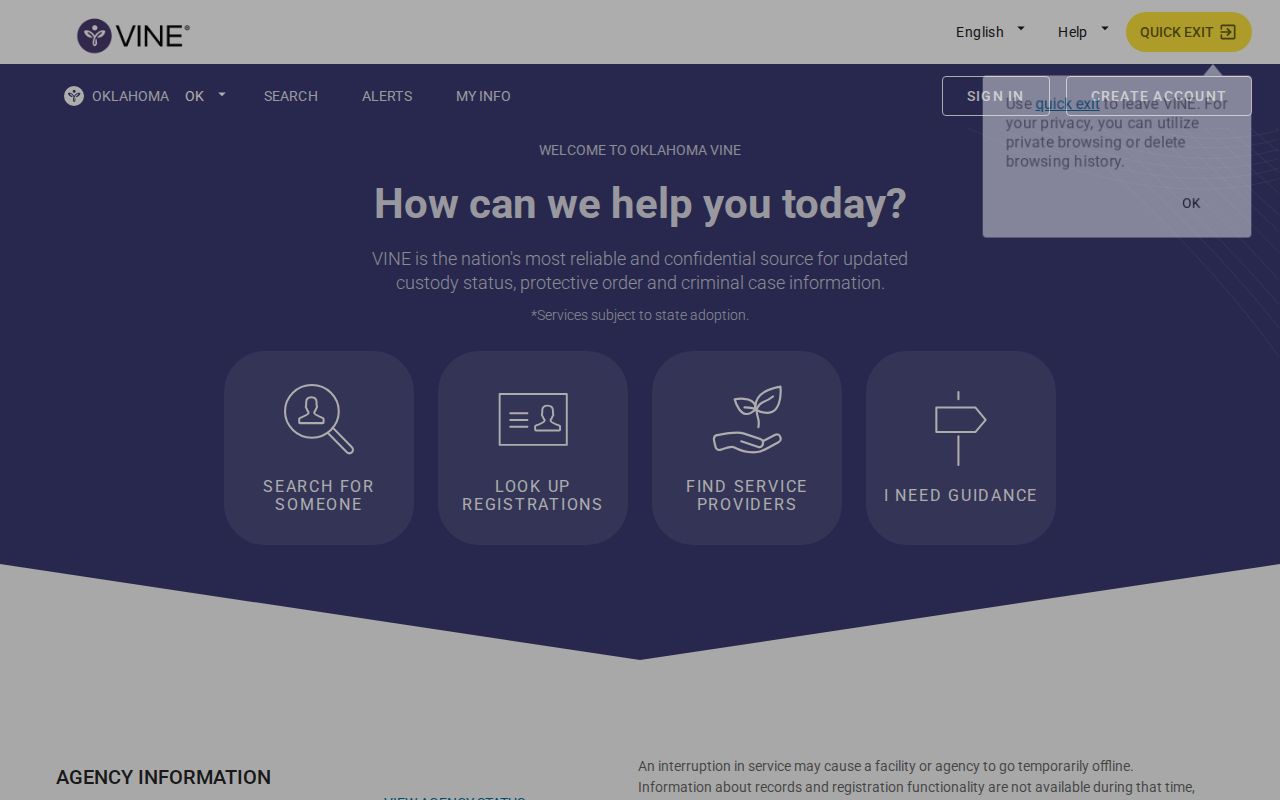
The screen is the entry point for matching one record, not proof of a release before the reporting agency is checked.
Register Pittsburg County Release Alerts
Registration begins only after the correct person has been matched. Oklahoma sources describe in-app, phone, email, text or SMS, and TTY access, with multilingual help. The live service controls which channels are offered for a particular record.
- Open the matched person record and select its registration or notification control.
- Choose one or more delivery channels currently offered by the service.
- Enter accurate contact information and complete the live confirmation step.
- If a voice flow asks for a PIN, create and retain it so calls can be acknowledged.
- If the flow sends a code or link instead, follow that method without assuming a PIN is required.
- Save the registration and keep the phone number, email, or app details current.
- When an alert arrives, verify it with PCSO or ODOC before stating the outcome.
No source established one universal PIN length or sequence. The interface may evolve. Document the actual confirmation method shown during registration, and avoid relying on one channel for an urgent custody question.
Confirm Pittsburg VINELink Release Alerts
For a county event, compare the alert with the PCSO Release Report. Its exact time, reason, booking number, arresting agency, and bail create a stronger event record. A card marked RELEASED TO ANOTHER AGENCY confirms departure from county custody, not release home. Follow the receiving system.
For an ODOC event, use the official offender lookup as an identity and status clue. ODOC warns that public data are abbreviated and may have source issues. A Certificate of Release or Release Checkout Sheet may better document physical release, while a Discharge Notice or Termination Summary concerns completion. Access and redaction rules still apply.
Pittsburg Release Systems by Custody
Agency-first searching prevents a common McAlester error. The county jail and two state prisons are close in geography but separate in law and records. A county detainee who posts bond may never enter ODOC. A person moved from PCSO to OSP or JBCC has left the county jail but remains in state custody.
| Custody path | Primary check | Best follow-up |
|---|---|---|
| Pittsburg County Jail | OK VINE and PCSO Release Report | PCSO release record and court docket |
| OSP or JBCC | OK VINE and ODOC lookup | ODOC release, discharge, or status record |
| Federal custody | BOP Inmate Locator | BOP or federal court record |
| Immigration custody | ICE ODLS | ICE record or check-in information |
A BOP result marked as released only means the person is no longer in BOP custody. ICE's locator offers recent custody information within its own bounds. Neither database sends its records into OK VINE as part of the Oklahoma county and ODOC path.
Pittsburg Parole Notification Difference
OK VINE does not provide parole-hearing notification. The Oklahoma Pardon and Parole Board has a separate written Victim Notification Program for eligible registered victims. A VINE custody alert should not be treated as a Board hearing notice, docket result, or parole decision.
Those stages must remain separate. A PPB docket means consideration is scheduled. A results document states Board action. A favorable action may still precede required approvals, residence review, detainer resolution, paperwork, and physical release. ODOC or the custodian provides the later custody evidence.
Pittsburg VINELink Notification Gaps
The PPB also describes a gap during certain transfers from ODOC to a mental-health setting, when VINE can become inactive. More broadly, a delivery failure, stale contact detail, reporting lag, or agency handoff can keep one alert from telling the whole story.
Maintain current registration details and use more than one offered channel when the matter is time-sensitive. After any message, identify the reporting agency and ask that custodian for confirmation. For PCSO, retain the booking number and release card. For ODOC, request the record that fits the precise question. That second source turns a notification into a supportable custody conclusion.
Pittsburg VINELink Phone Release Check
The Oklahoma service is also available by phone at 1-877-654-8463, commonly presented as 1-877-OK4-VINE. Phone access helps when web access is limited, but the same identity rule applies. Match the name or identifier and listen for the contributing facility before acting on a status message. Keep any PIN created by the voice system available to acknowledge later calls.
A phone message is not a substitute for the source record. For a PCSO event, call the jail at 918-423-5858 when confirmation is needed and ask whether the named booking was released, transferred, or remains held. For an ODOC event, use the offender lookup and the proper ODOC records route. Do not ask the county jail to certify a state-prison event.
TTY and multilingual support are part of the state-described access options. Current prompts and delivery choices can change, so follow the live menu rather than relying on an old sequence. Record the time of the message and the agency named in it. Those details make the later custodian check more precise.
Pittsburg VINELink Alert Evidence
Keep a small event trail when the alert matters: the matched identifier, reporting agency, time received, exact status wording, and the confirmation source. For a county booking, add the PCSO booking number, release time, and reason. For a state event, note the ODOC number and the type of later record requested.
Different documents answer different questions. A Certificate of Release or Release Checkout Sheet may support physical departure. A Discharge Notice or Termination Summary can address completion. A Parole Status Report concerns supervision. ODOC policy names these records, but confidentiality and redaction rules still control access. Asking for the exact document avoids turning a broad VINE alert into a claim it cannot support.
OSCN or ODCR may add a bond order, dismissal, judgment, sentence, revocation, or discharge filing. Court action can explain why a custody event occurred, yet it may precede processing. Preserve both times instead of forcing the court event and physical exit into one timestamp.